

An action that appears to stall can leave you unsure whether AutoMetaTrade completed it. A spinning screen, timeout, missing confirmation or interrupted connection does not, by itself, prove that the action failed. Retrying too quickly can make the situation harder to diagnose—and, for some actions, may repeat a change that already took effect.
The safer approach is to pause, refresh or inspect the relevant saved state, and confirm what the system currently shows before trying again. The checks differ for account connections, Trading Profiles, channel settings and trade execution. This guide explains how to investigate each without treating one successful status as proof that every related step is complete.
Start by identifying what is uncertain
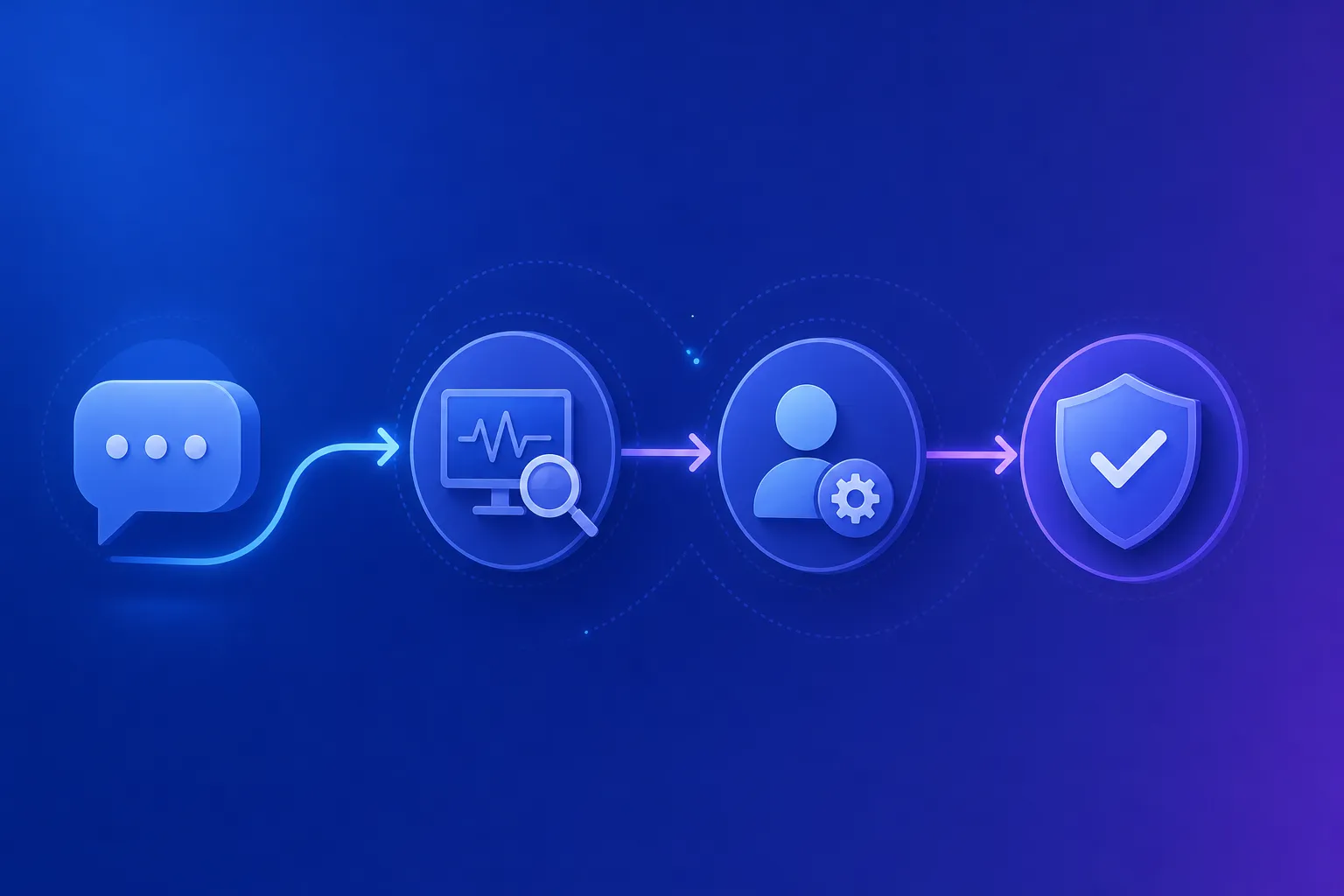
First, name the specific action and the result you expected. Did you try to connect an MT5 account, update credentials, save or apply a Trading Profile, change a channel’s receiving accounts, or process a signal? These are separate operations with separate confirmation points.
Then check the appropriate status or history rather than repeating the action immediately. The documentation recommends refreshing uncertain setup results before creating another connection or repeating an operation. For an unknown Trading Profile save or application result, refresh and check the version and account state. For a channel change, inspect the save result or individual batch results. For a possible trade, review the signal and execution records, then compare the current position state with the broker terminal.
A healthy status in one area does not settle every question. For example, a connected Telegram account does not establish that a channel is being monitored, and a completed signal-processing status does not prove that a broker filled an order. Follow the state that corresponds to the action you took.
Account connections and credential updates
If an MT5 connection or credential update has an uncertain result, inspect the saved account before retrying. Check whether the intended account is listed and what its current connection or readiness state shows. If the details still need attention, confirm that you are using the account number, trading password and exact broker server. Broker website credentials can differ from terminal credentials, and an investor password cannot execute orders. The MT5 connection guide explains the connection requirements and verification process.
Do not start another connection merely because a confirmation did not appear. The account may already have been saved or updated. First refresh the account view and assess the current state; retry only when the result is clear and the required information is correct. Keep passwords out of screenshots and support messages.
Connection also does not mean that every part of the setup is ready. Review the account’s readiness and applied Trading Profile separately. The connection guide notes that live accounts require MT5 hedging mode, and that new live accounts may enable trading after verification when profile and workspace controls permit it. Review those controls before adding channel routes.
Check a Trading Profile’s save and application states
A Trading Profile has more than one meaningful state. Editing settings, saving a version and applying a version to an account are distinct steps. If a save or application appears to have stalled, refresh the relevant view and check what is actually recorded before repeating it.
Confirm whether the intended version was saved. Then check whether that version was applied to the intended account and whether the interface reports it as Applied. Verify the confirmed version rather than assuming that the latest saved version became active automatically: saving a new version does not automatically replace the version already applied to an account.
A preview is not a substitute for those checks. The documented Preview signal function can use unsaved editor settings and a demo account for broker checks; it does not place orders or apply settings. The Trading Profiles documentation explains how preview, save and application differ. It also notes that the documented application interface exposes demo accounts; other environments require explicit workspace confirmation.
If the application status is still unclear, refresh and inspect the account’s confirmed version before trying again. This matters because channel destinations select receiving accounts, while each receiving account retains its own confirmed profile. Do not infer that a channel change also applied a different profile.
Inspect channel changes separately
A channel can receive messages from a Telegram source and route them to zero, one or several MT5 accounts. Monitoring and receiving-account routing are different checks. If a channel save or batch update has an uncertain result, refresh the channel settings and inspect the current source, monitoring status and receiving-account list. Where an update reports individual batch results, review those results rather than assuming every change succeeded or failed together.
Also check the account side of the route. For each intended receiving account, review readiness and the applied Trading Profile. A channel can monitor messages without trading when it has no receiving accounts, and saving a channel does not place an order. The channel setup guide describes how to select sources and configure receiving accounts.
If messages are missing, confirm that the Telegram source is accessible and that monitoring is healthy. A connected Telegram account card alone does not show that channel messages are arriving. The Telegram connection guide explains the distinction between connecting an account, selecting sources and checking monitoring.

When the uncertain action may have involved a trade
Do not treat a timeout or interruption as proof that an order was never placed. Start by finding the relevant message in Signal Log using the correct source, time and filters. If it is absent, investigate source access, Telegram connectivity and channel monitoring. If it is present, review the original content, edits and processing reasons, then check the receiving account’s routing, readiness, execution controls and the profile version used for that signal.
Next, inspect Execution History for requests, placed orders and fills. These are not interchangeable outcomes: a successfully placed pending order may remain unfilled, and a completed processing status alone does not prove a broker fill. If the outcome is uncertain or processing may have been interrupted, refresh Trading and Positions and compare them with the broker terminal before retrying.
This sequence helps avoid acting on an incomplete picture. For example, a signal may have been processed but routed to no receiving account, or an order request may have resulted in a pending order rather than an immediate fill. Check the records and current state instead of sending the same action again based only on a missing confirmation. The signal troubleshooting guide provides the documented investigation sequence.
A checklist before you retry
Use this short sequence whenever a result is unclear:
1. Pause and identify the action. Separate account connection, profile save, profile application, channel routing and trade execution. 2. Refresh or inspect the relevant record. Check the saved account, confirmed profile, channel settings, individual batch result or execution history as appropriate. 3. Verify each linked state independently. Connection, readiness, monitoring, routing and profile application are not interchangeable confirmations. 4. For a possible trade, compare current records. Review Signal Log and Execution History, then check Trading and Positions against the broker terminal before retrying. 5. Repeat only when the current result and next step are clear. If a save, application or execution result remains uncertain, gather the relevant status rather than assuming failure.
A deliberate check is usually more useful than another attempt made in haste. For more setup guidance, visit AutoMetaTrade and consult the linked public documentation for the specific action you are investigating.