

Changing which MT5 accounts receive messages from a Telegram channel is a routing update: it determines which connected accounts are destinations for that channel. It does not, by itself, place an order or configure the trading rules for those accounts. Those rules belong to each account’s confirmed Trading Profile.
The safest approach is to review the channel’s current destinations, make and save the intended changes, then check the affected accounts separately. If the save result is unclear, inspect the channel before trying again. This guide explains that process and the checks that help distinguish channel routing from account readiness.
Before changing receiving accounts
A channel connects a Telegram receive source to zero, one or several MT5 accounts. With no receiving accounts, it can monitor messages without trading. Adding an account makes it a destination for messages from that channel; removing one stops it being a destination. The channel’s receiving-account selection is separate from Telegram connectivity and monitoring health, so do not assume that changing destinations fixes a source connection problem.
Before you start, identify the intended channel and the accounts that should receive its signals. If the Telegram source itself is not available or the channel is not monitoring, resolve that separately. The channel setup documentation describes source selection, monitoring checks and receiving-account configuration.
It also helps to know what the change will not do. Symbols, sizing, stop-loss and take-profit rules, and trading hours are configured in an account’s Trading Profile, not as separate channel-to-account rules. Each receiving account retains its own confirmed profile. For more on AutoMetaTrade and its documented setup, use the official product and documentation pages rather than assuming a routing change alters those settings.
Open the channel’s Setup and review its destinations
Go to the relevant channel’s Setup and inspect the receiving accounts currently associated with it. Take a moment to confirm that you are working on the intended channel and that the displayed destinations match your current setup. This is especially useful when several channels or MT5 accounts are involved: a change to one channel does not mean the same change has been made to another.
Compare the current list with the intended result. Which accounts should remain? Which should be added? Which should be removed? Thinking through those three groups before editing makes it easier to catch a mistaken selection before saving.
If the intended account is not available or its connection is uncertain, do not treat adding it to the channel as proof that it is ready to receive trades. Account connection and account readiness are separate checks. The MT5 connection guide explains the connection requirements and recommends reviewing account readiness and its applied Trading Profile after connection.
Add and remove accounts, then review the change
In the channel’s Setup, select the receiving accounts you want and review the proposed additions and removals. Check the result against your intended list before saving. In particular, make sure an account you mean to retain has not been removed, and that an account you did not intend to route to has not been added.
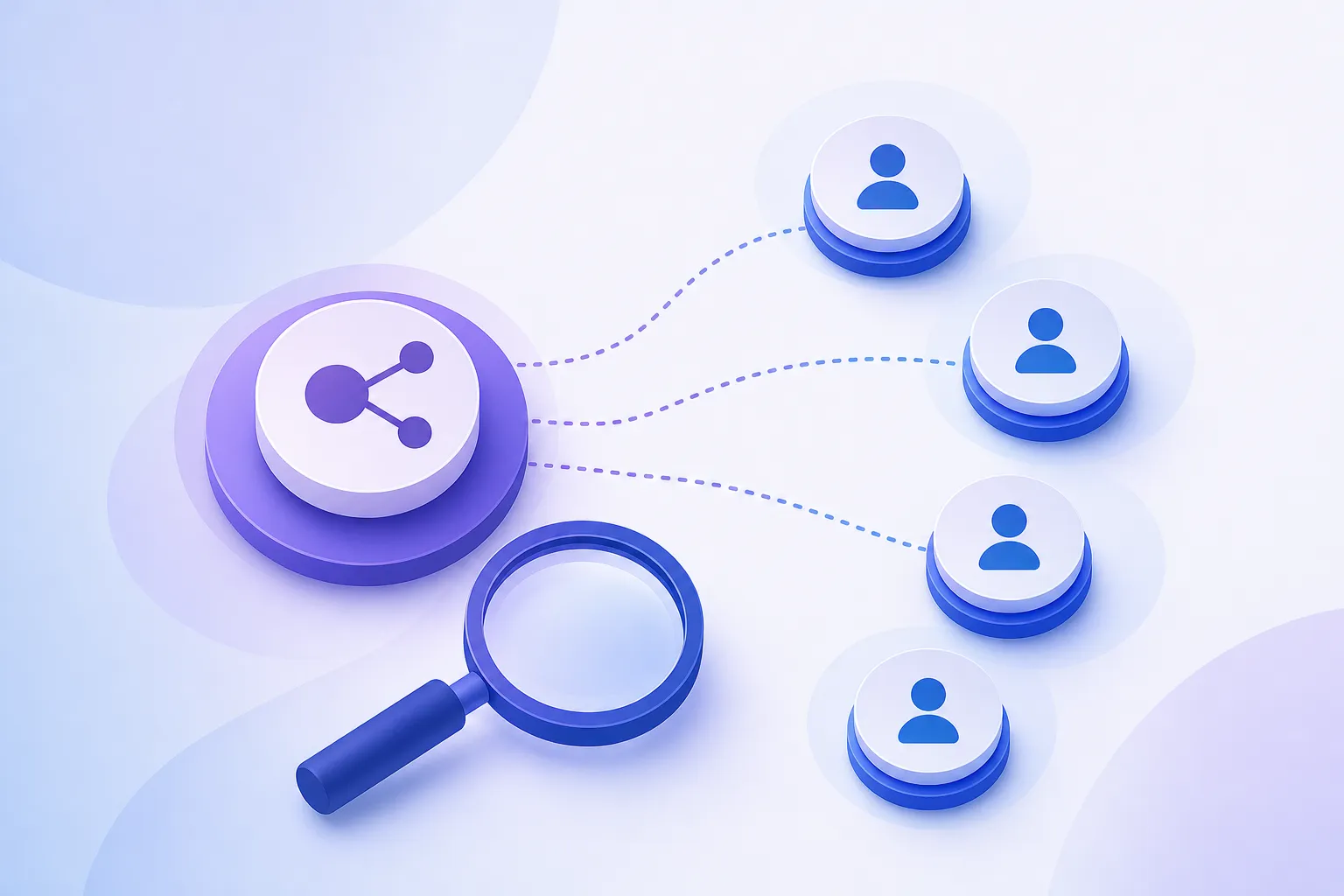
This review is about destinations only. It does not set risk, sizing, symbols or order-management behavior. Those settings are handled through the Trading Profile for each account, and changing the channel’s destinations does not automatically replace an account’s confirmed profile. The Trading Profiles guide explains the difference between editing settings, saving a profile version and applying a version to an account.
When the selection matches your plan, save the channel changes. Avoid making unrelated profile changes in the same step: keeping routing and account configuration as separate checks makes it clearer what has changed and what still needs attention.
Confirm the save, especially if its result is unclear
After saving, check the channel’s receiving-account list to confirm that the intended destinations are present. If a save is unconfirmed, interrupted or otherwise unclear, refresh the channel or inspect the individual results before repeating the change. The channel setup documentation specifically advises refreshing unconfirmed saves or checking individual batch results before trying again.
That precaution matters because an uncertain result does not establish that the change failed. Repeating an operation without checking could make it harder to tell which destinations were actually updated. First inspect the current state; then make another change only if the observed list still differs from the intended one.
A confirmed channel change is not a broker execution confirmation. Saving a channel does not place an order. It changes the routing configuration, while subsequent message processing and any account-level execution depend on other conditions. Keep those outcomes separate when checking your setup.
Check each receiving account independently
Once routing is confirmed, review each intended receiving account’s connectivity, readiness and confirmed Trading Profile. The channel documentation recommends checking each account’s applied profile and readiness after configuring destinations. A channel may be monitoring messages correctly even when an account is not ready, and an account may be connected without being selected as a destination for this channel.
Remember that saving a Trading Profile is not the same as applying it. According to the Trading Profiles documentation, a saved version must be reviewed and applied to an account, and you should wait for confirmation of the applied version. The channel’s destination choice and the account’s confirmed profile are distinct pieces of configuration.
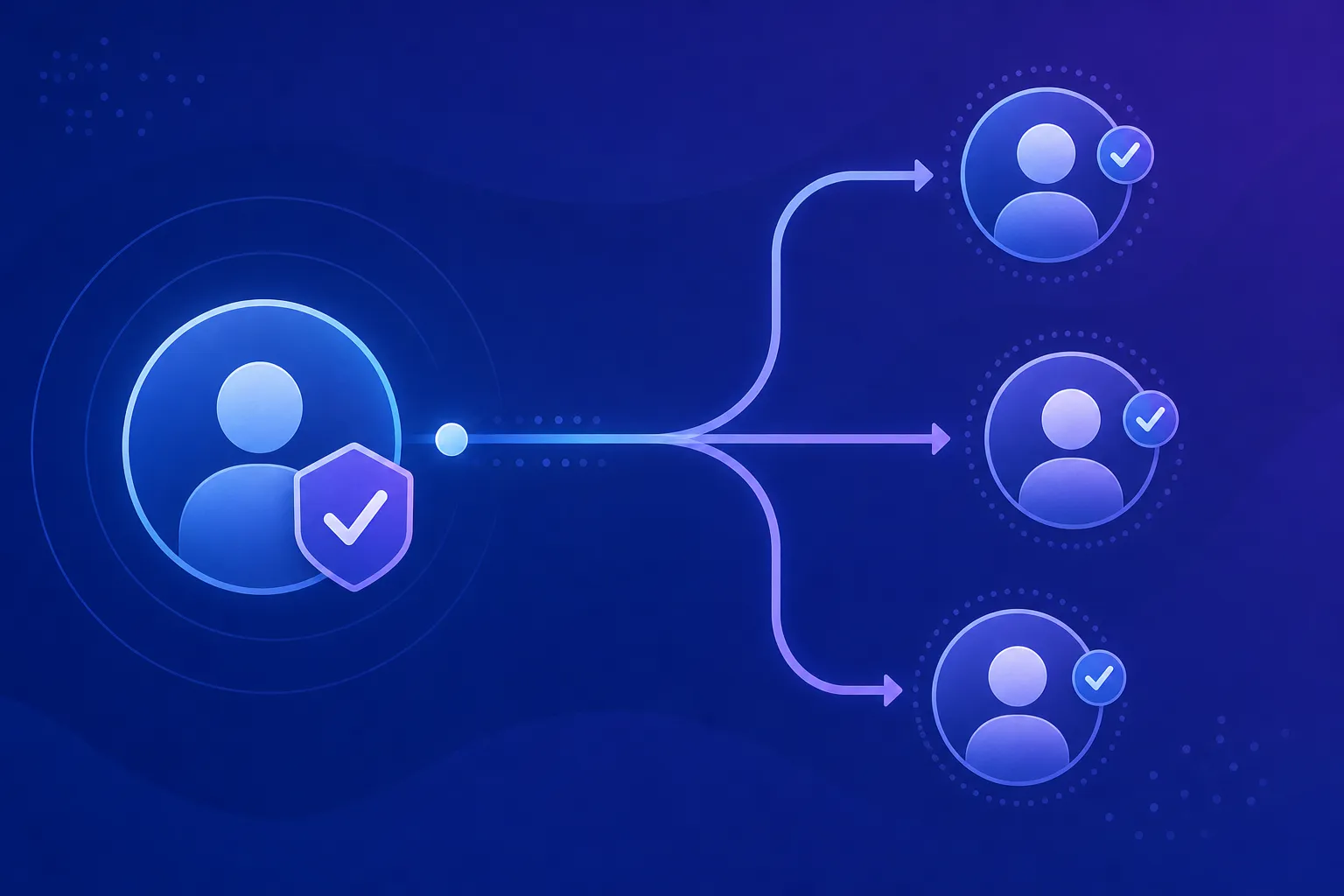
If a later message does not appear to produce an expected trade, investigate in stages rather than assuming the routing change is responsible. Check whether the message appears in Signal Log for the correct source and time, then examine source monitoring, the receiving-account route, account readiness and the profile version used. The signal troubleshooting guide also explains why a processing status alone does not prove a broker fill. A completed routing update and an executed order are different events.
A short verification checklist
Before finishing, confirm the following:
- You edited the intended Telegram channel’s Setup.
- The receiving-account list reflects the intended additions and removals.
- The save is confirmed, or you refreshed and inspected individual results before considering a retry.
- Each intended account has been checked for connectivity, readiness and its confirmed Trading Profile.
- You have not treated routing as a substitute for Telegram monitoring, account setup or trading rules.
This separation makes changes easier to verify: the channel determines which MT5 accounts receive its messages, while each account’s readiness and confirmed profile determine its own setup. When in doubt, inspect the saved channel and account states before repeating an operation.