

A Telegram connection and a Telegram source are related, but they are not the same setup choice. In AutoMetaTrade, you can connect a personal Telegram account or make an accessible bot available; either way, you still need to select or confirm the source you want to receive messages from and check whether it is being monitored.
The practical distinction matters if you are deciding which Telegram identity to use, managing more than one MT5 account, or trying to work out why a channel’s messages are not appearing. A connected account does not, by itself, confirm that a particular source is monitored or that messages are routed to an MT5 account.
Personal Telegram account and bot connection are separate options
AutoMetaTrade supports a personal Telegram connection and bot connections as separate setups. The personal-account connection uses the intended Telegram account to access sources. A bot must be accessible for use as a receive source. These are different connection paths, not two names for the same account setup.
For a personal account, the documented connection process asks you to use the intended country and phone number, follow the displayed instructions for receiving a verification code, and enter that code. Telegram may request a two-step verification password; provide it only if prompted. Keep verification codes and passwords in the connection form rather than sharing them in support messages. The Telegram connection guide explains the connection and maintenance flow.
The workspace manages one personal Telegram connection. Bot connections are separate. That does not mean you need a different personal Telegram account for each MT5 account: multiple MT5 accounts do not require multiple personal Telegram accounts. The number of MT5 accounts and the Telegram connection are distinct parts of the setup.
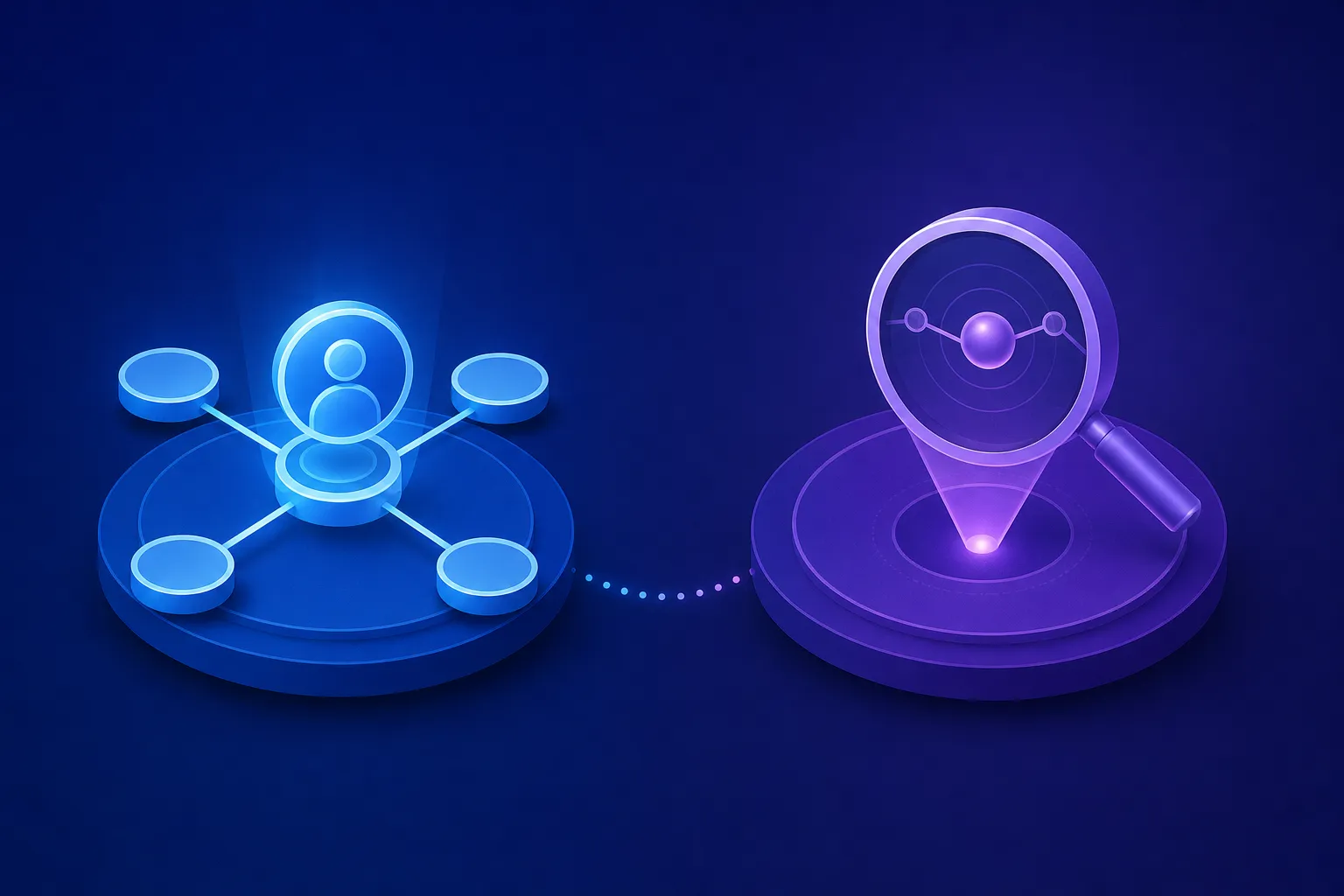
Choose the connection based on the source you need
Before setting up, identify the Telegram source you want AutoMetaTrade to receive messages from and make sure the required access is available. If you use a personal account, connect the intended account and select the signal channels you want. If you use a bot, make sure that bot is accessible, then use it as the relevant receive source. The available documentation treats personal-account sign-in, source receiving and bot notifications as separate setup concepts; it does not make them interchangeable.
For personal accounts, the connection alone is not the full channel setup. The documented flow includes selecting signal channels, syncing when needed, reviewing the selection and saving it. If a channel is missing from the selection, check that the account has access to it and sync the channel list. Membership and access are practical prerequisites; a successful sign-in does not establish access to every Telegram channel.
The channel setup documentation describes the source and receiving-account steps. A channel can be associated with zero, one or several MT5 accounts. Receiving accounts are configured separately in channel Setup, where you review additions or removals and save them. Saving a channel configuration does not place an order.
Check connection status separately from monitoring
A connected Telegram account card confirms a connection state, not that every desired channel is actively delivering messages. AutoMetaTrade documents connection health and channel monitoring as separate checks. After connecting, verify that the intended source is selected and that monitoring is healthy. If messages are missing, confirm that the account can access the source, check the connection, and review the channel’s monitoring state.
This separation is useful when troubleshooting. Start by identifying the source and the relevant time period. If the message is absent from Signal Log, check Telegram connectivity, source access and channel monitoring. If it appears there, continue by examining its processing details and the receiving account’s routing and readiness. A healthy Telegram connection alone does not establish trading readiness or prove that a message was sent to an MT5 account.
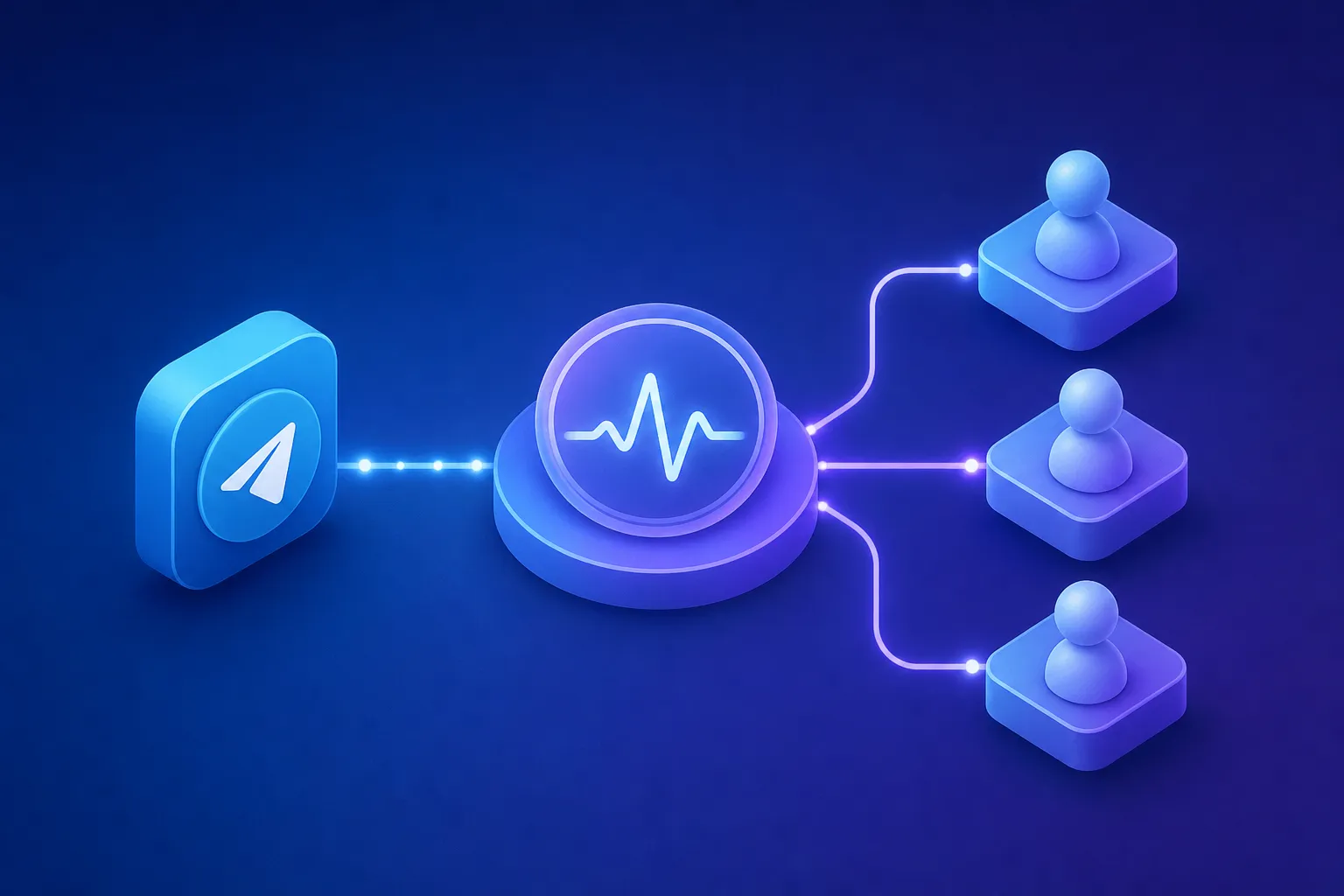
There is also a separate choice about routing. A channel with no receiving accounts can monitor messages without trading. If you do want a channel associated with MT5 accounts, inspect the configured destinations and then check each account’s readiness and applied Trading Profile. Telegram source selection, channel monitoring and MT5 receiving-account routing are related, but each should be verified on its own.
A simple way to decide
Use the personal-account path when you intend to connect your own Telegram account and select accessible signal channels from it. Use the bot path when an accessible bot is the source you intend to use. In either case, do not assume the connection has completed every later step: confirm the source, monitoring state and any receiving-account configuration separately.
If you manage multiple MT5 accounts, you do not need to create multiple personal Telegram connections just because there are several trading accounts. Instead, check which channel sources are configured and which accounts are selected to receive from each channel. The channel guide describes how to review those destinations; account connection and profile readiness are additional checks, not consequences of Telegram sign-in.
When a setup result is unclear, inspect the saved state before repeating the operation. The Telegram connection documentation advises checking the connection and using its maintenance flow when authentication is required. For channel changes, review the current selection and saved configuration rather than assuming that a connected account means every source is active.
Keep the setup checks distinct
A useful mental model is to treat the setup as three questions: Is the intended Telegram connection available? Is the specific source selected and monitored? If MT5 accounts are intended to receive from it, are the correct accounts configured as destinations? Answering one question does not automatically answer the others.
That distinction can prevent common misunderstandings. Connecting a personal account does not itself select every channel. Making a bot available does not, by itself, confirm the monitoring status of a source. Monitoring a channel without receiving accounts does not route messages to an MT5 account. And a Telegram connection does not confirm the readiness of an MT5 account.
For the current connection steps, consult the Telegram connection guide and channel setup guide. You can also visit AutoMetaTrade for product information. Verify each part of the setup independently so you know which connection, source and destination are actually in use.